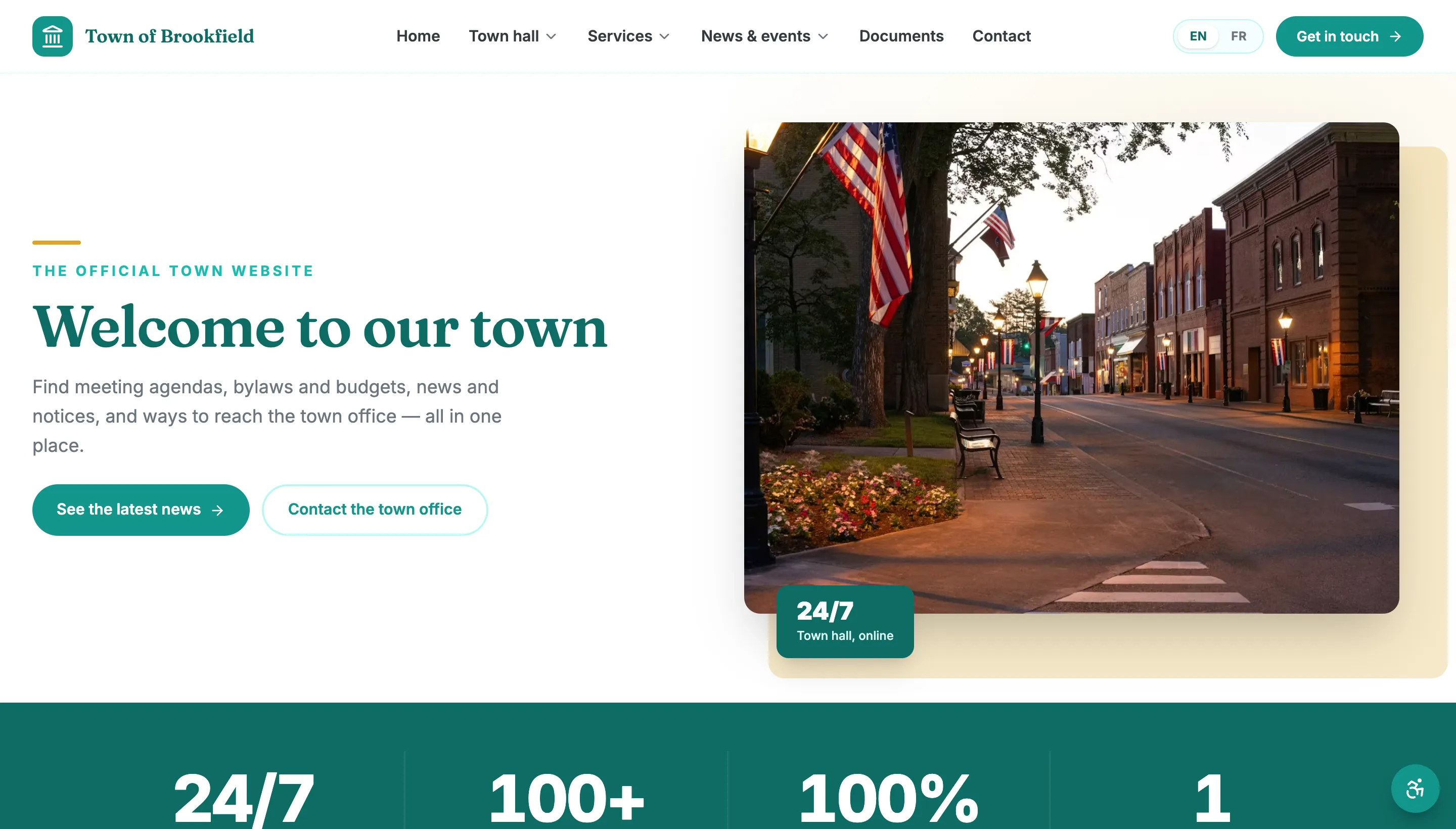
Every town gets its own look — set from the admin, live in seconds
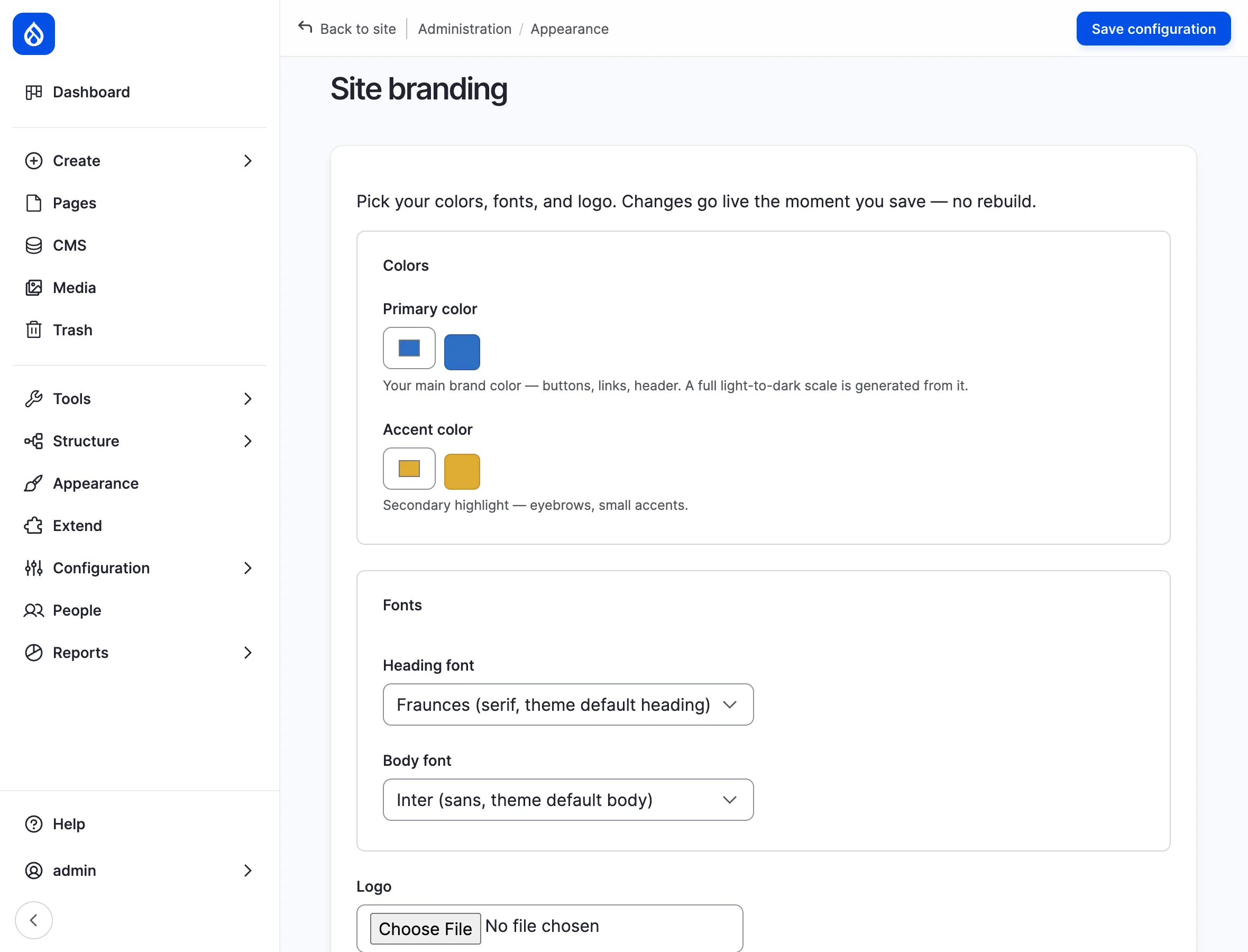
Each site carries its own colors, fonts, and logo. A staff member picks a primary color and the platform generates a full light-to-dark palette from it, applied everywhere — buttons, links, header, stat bands — the moment they save. No CSS, no ticket to the vendor, no rebuild or redeploy to wait on.
- Pick one primary color — the whole palette is generated and applied
- Choose heading and body fonts, and upload your own logo
- Changes go live on save — no rebuild, no redeploy, no code
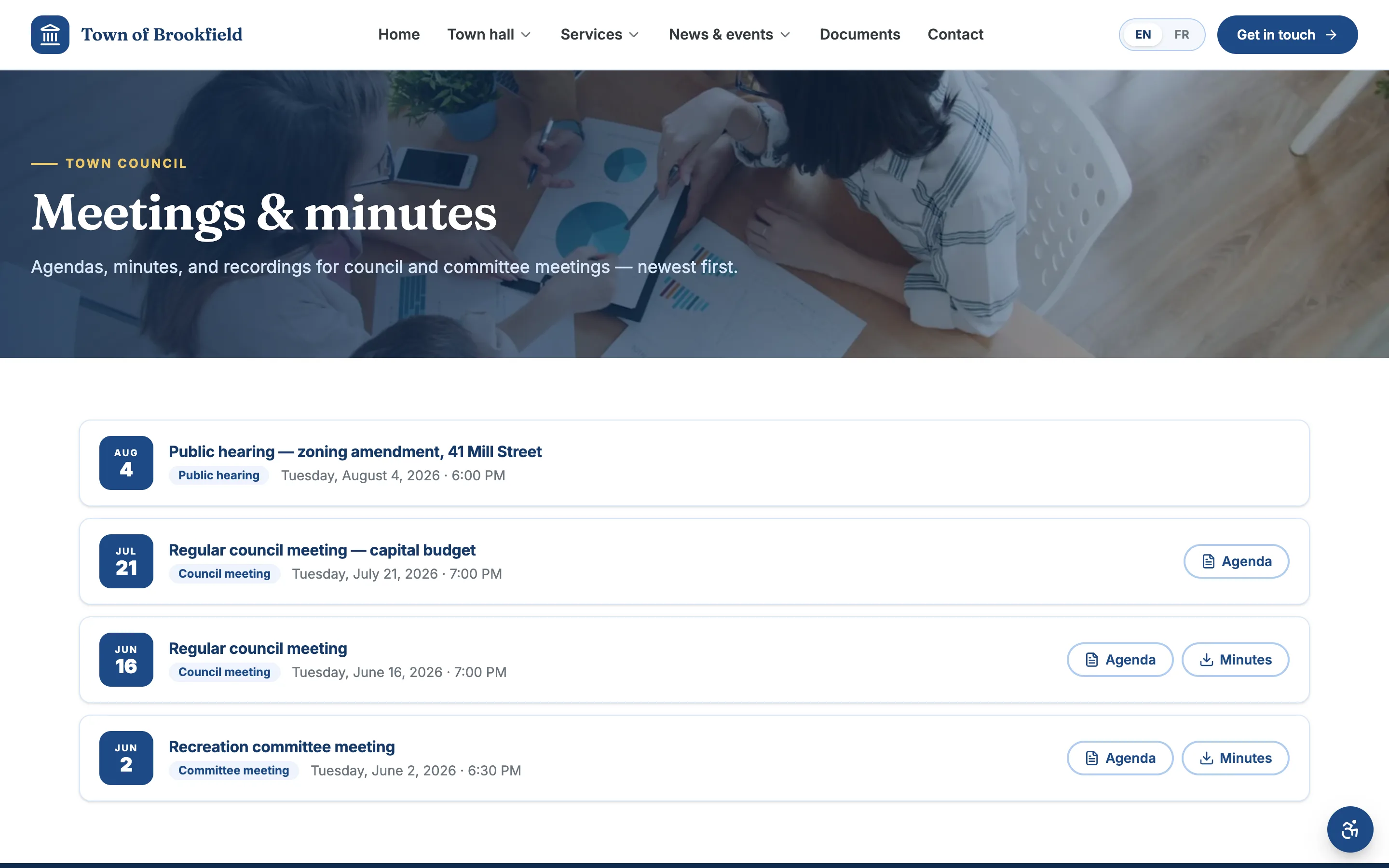
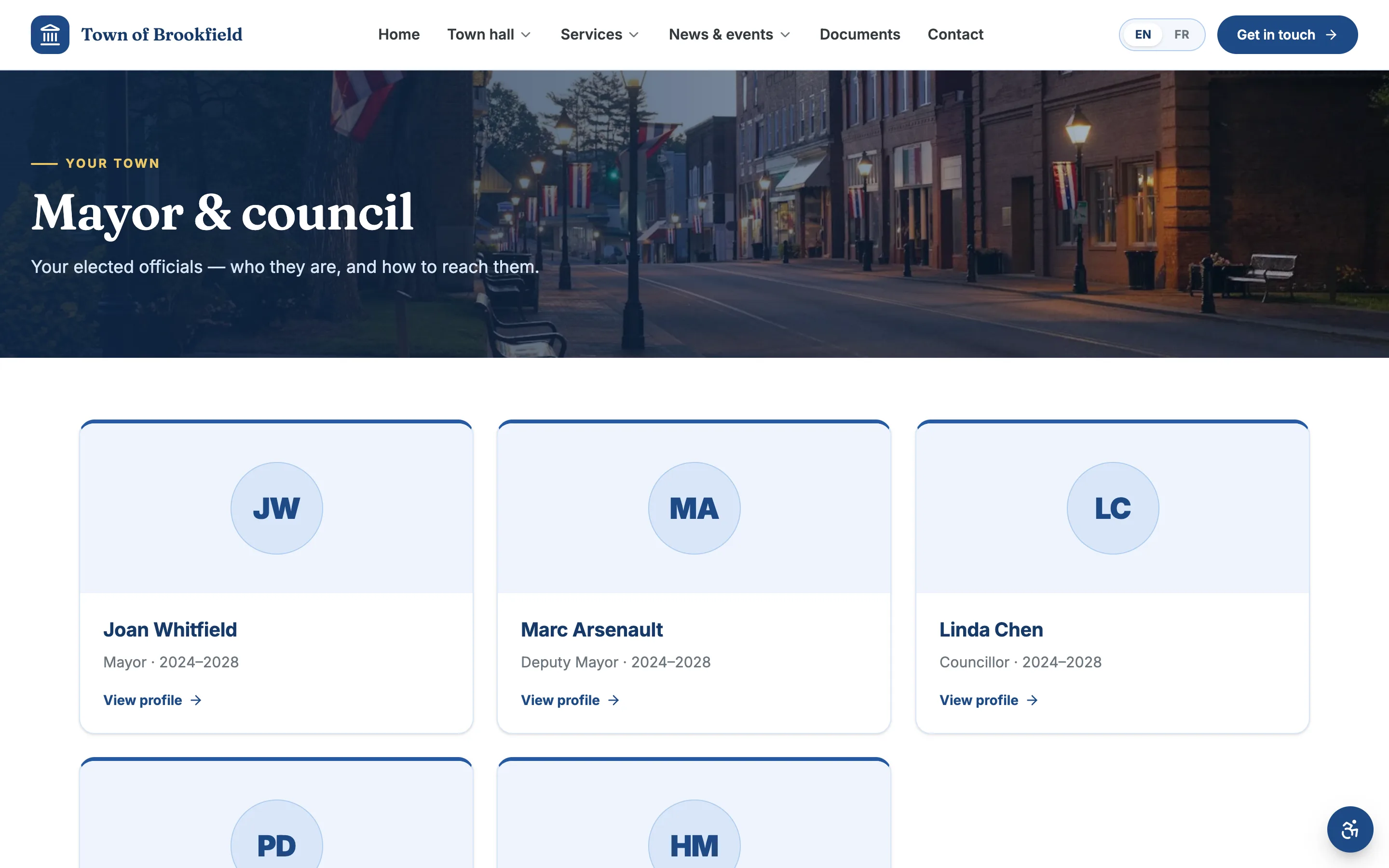
Council, agendas, and minutes residents can actually follow
Councillor profiles, meeting schedules, agendas, and minutes — all in one place, searchable, and posted the moment they’re ready. Residents see who represents them and what council decided, without emailing the office.
- Councillor cards with photo, ward, and contact
- Agendas and minutes attached to each meeting
- A meeting archive residents can search by date or type
A document library residents can find things in
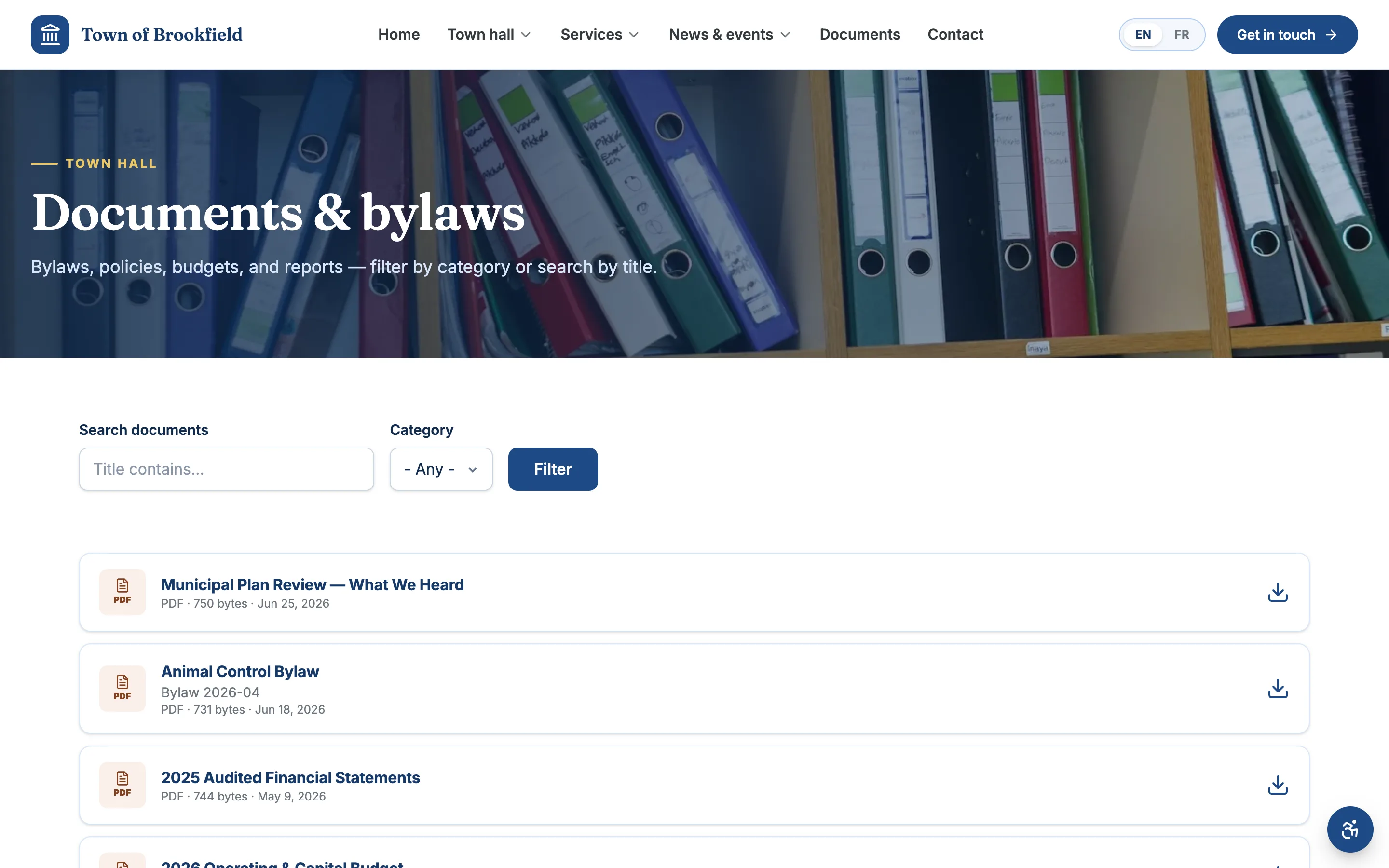
Full-text search, category filters, and one-click downloads for every bylaw, budget, financial statement, and set of minutes. No more “call the office and we’ll email it to you.”
- Search across every document by keyword
- Filter by category — bylaws, budgets, minutes, policies
- Each file has a clear title, date, and download link
Get word out — from a road closure to a festival
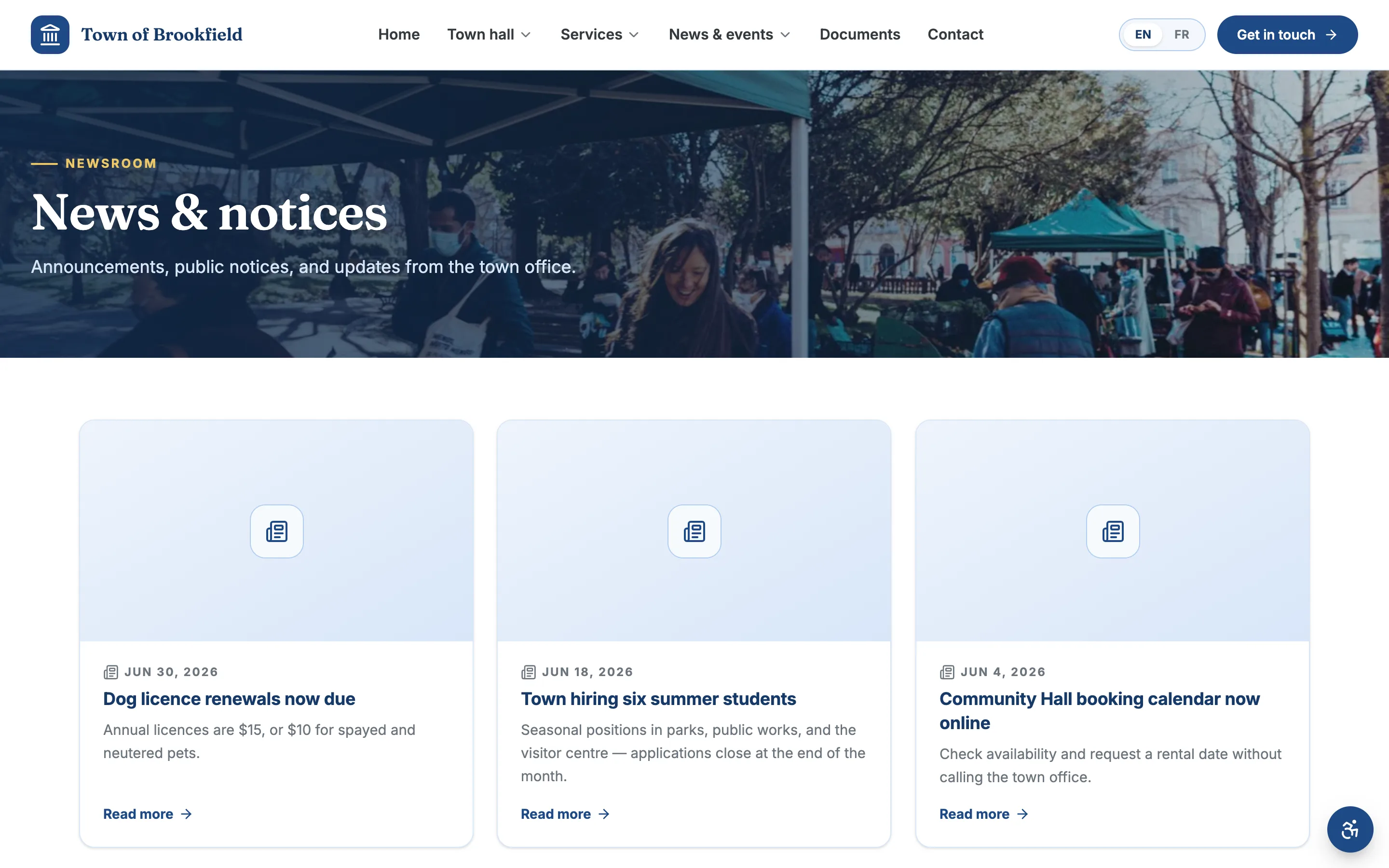
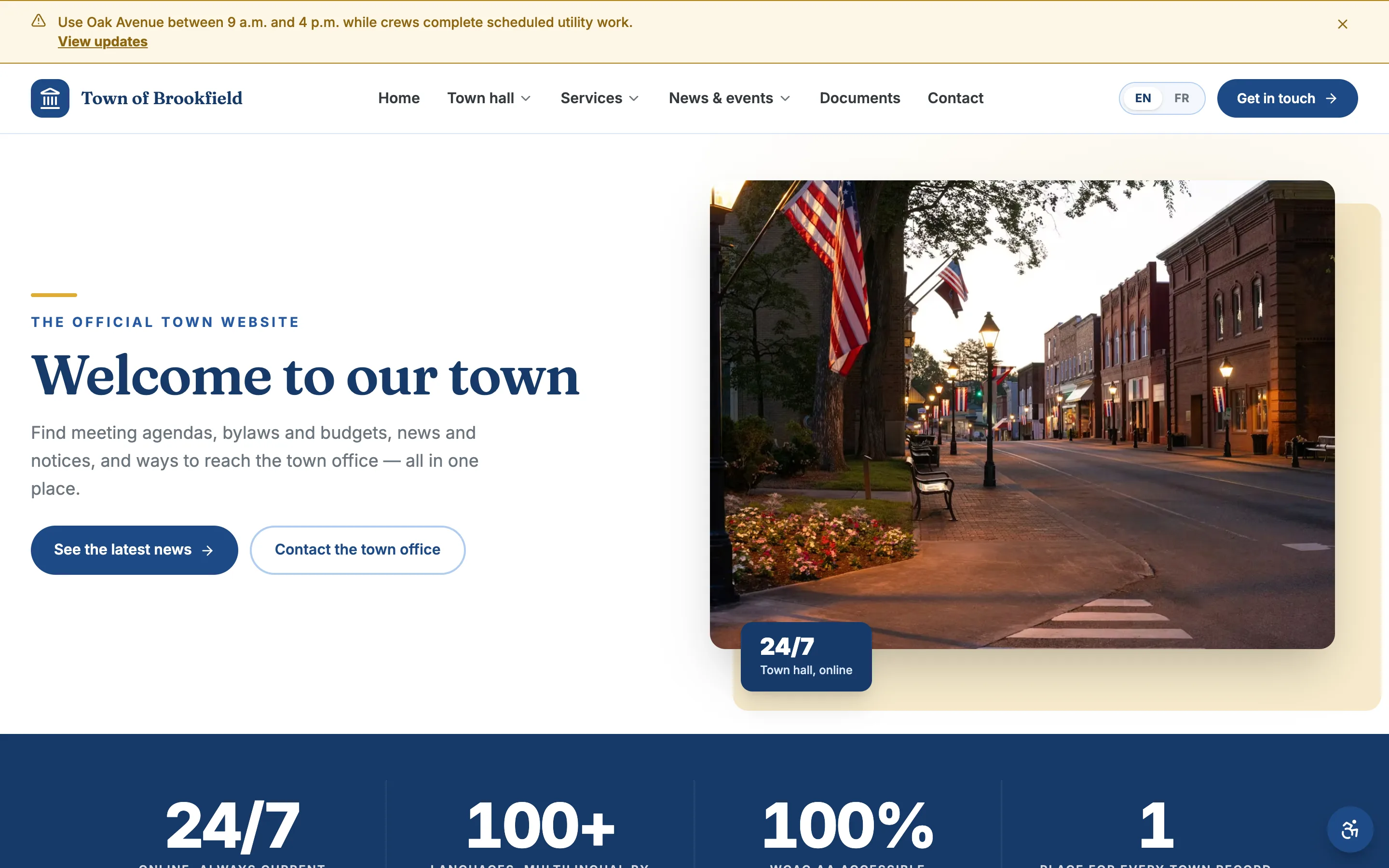
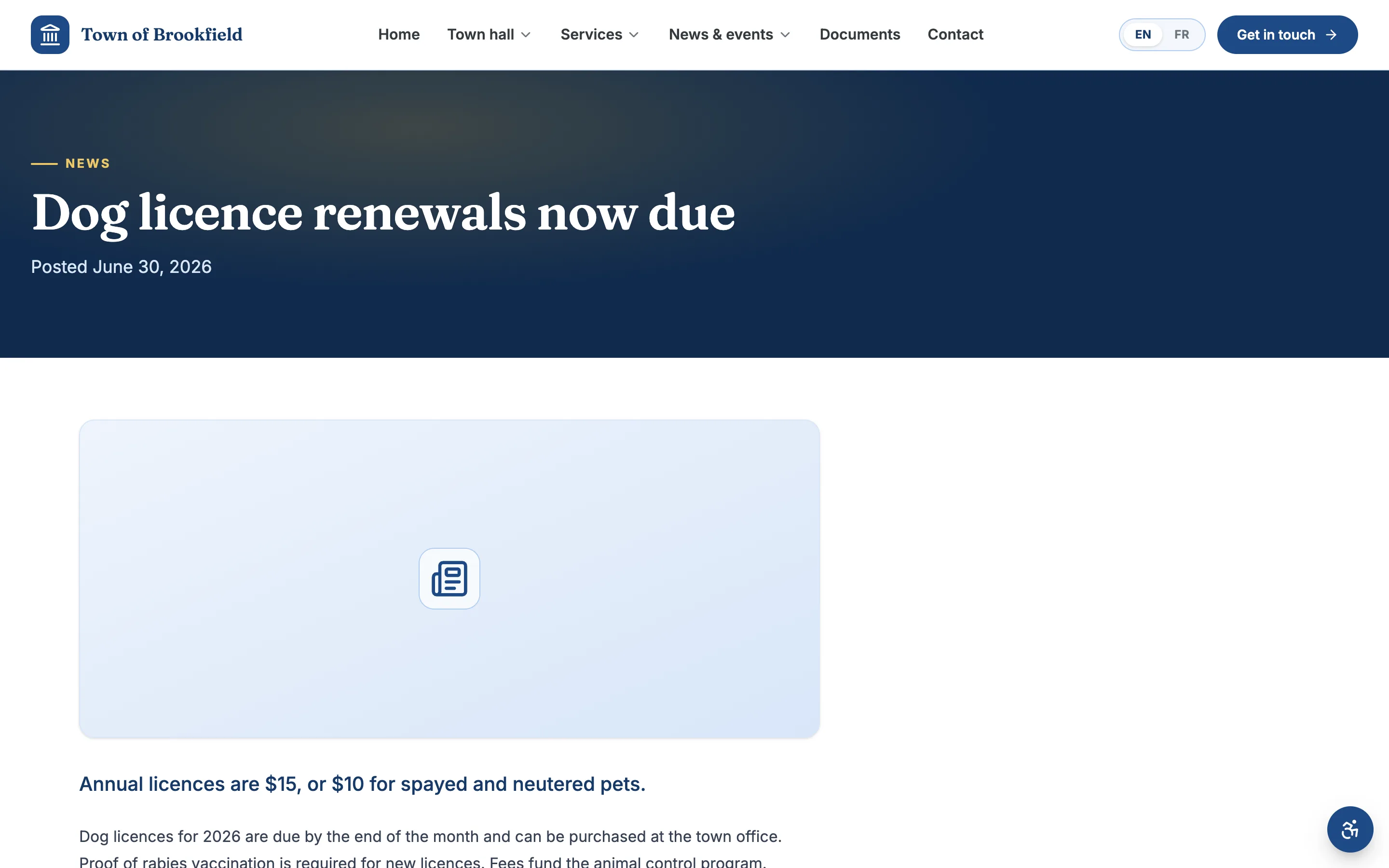
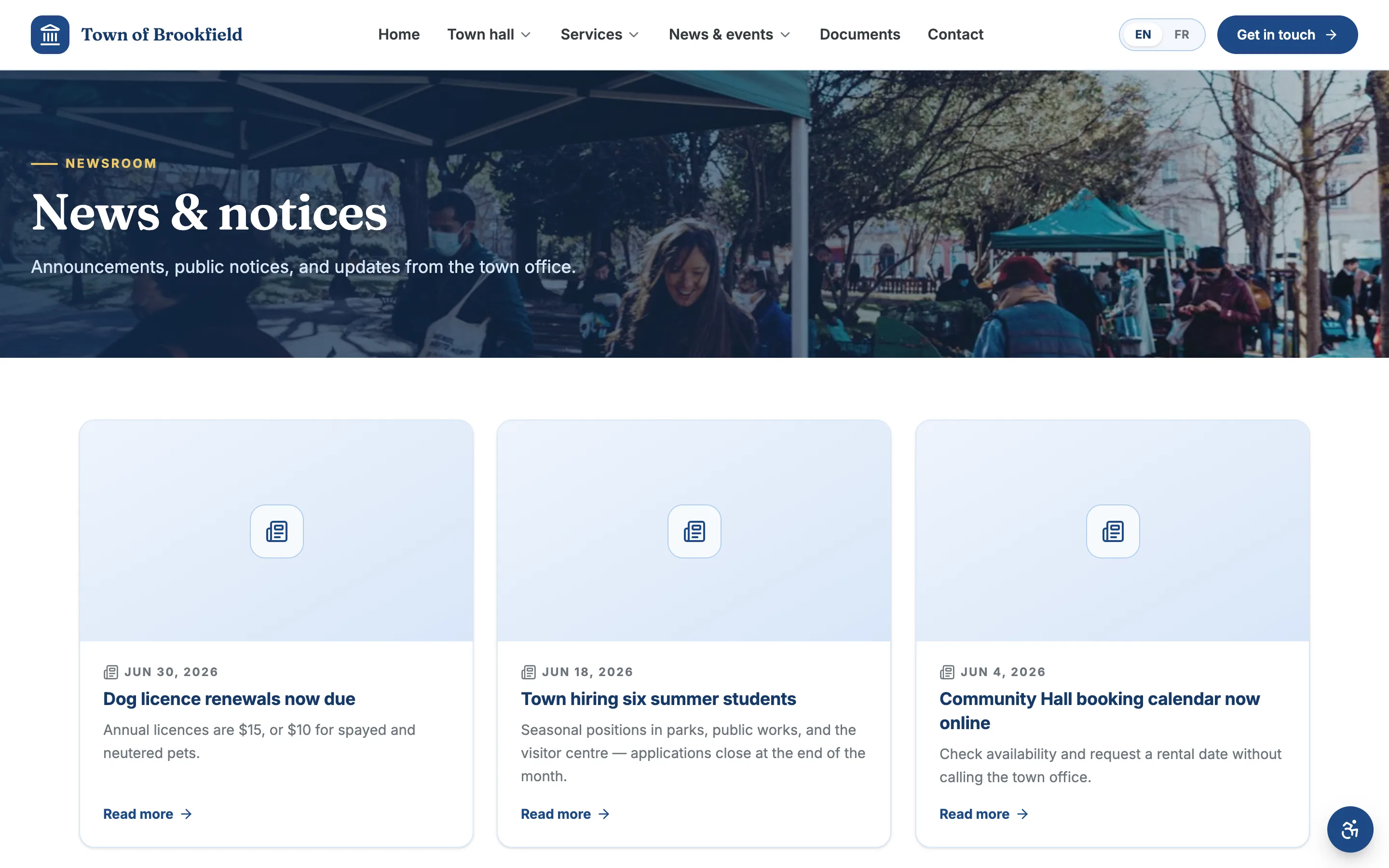
Post news and community events your staff keep current without help, and raise a site-wide alert banner above the header the moment something urgent happens — a boil-water advisory, a snow-day closure, a service disruption.
- Site-wide alert banner sits above the header on every page
- A news feed for announcements and press releases
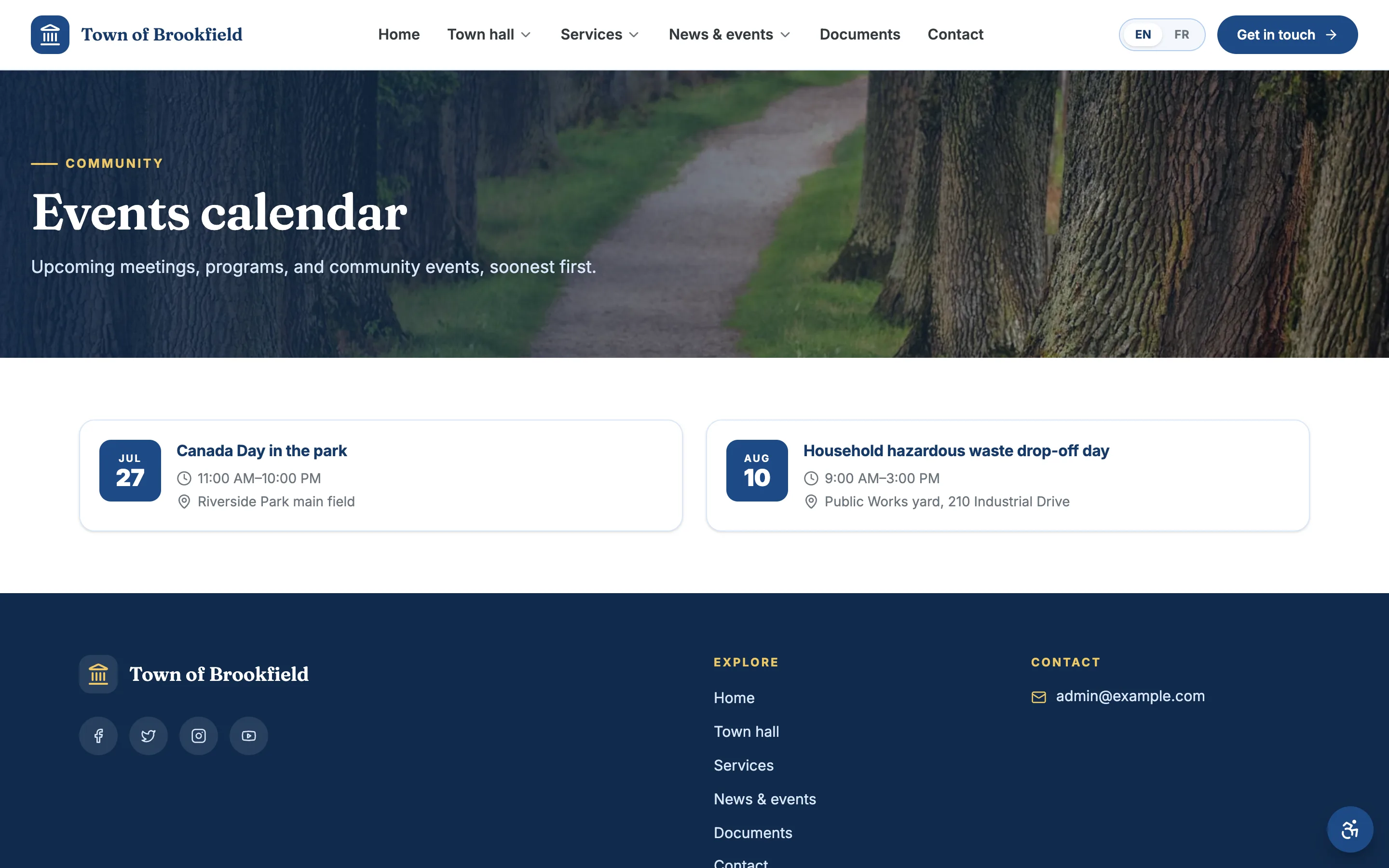
- A community events calendar staff maintain themselves
Requests and permit applications, handled online
Report a pothole, apply for a burn permit, request a service — residents fill in a form on the site instead of coming into the office or calling during business hours. Every submission lands with your staff, organized and ready to act on. And when a resident wants to spread the word, built-in share tools make it a click.
- Forms for service requests, reports, and permit applications
- Residents submit any time — not just office hours
- Share buttons on every page for easy word-of-mouth
Let residents book the hall, the rink, the pavilion
Every park, hall, and facility gets its own page with hours, photos, and a clear “Book” call-to-action — so residents can reserve a space without a back-and-forth of phone calls.
- A page per facility with hours, photos, and details
- A clear booking call-to-action on each one
- Residents start a reservation right from the site
WCAG 2.2 AA is the platform target
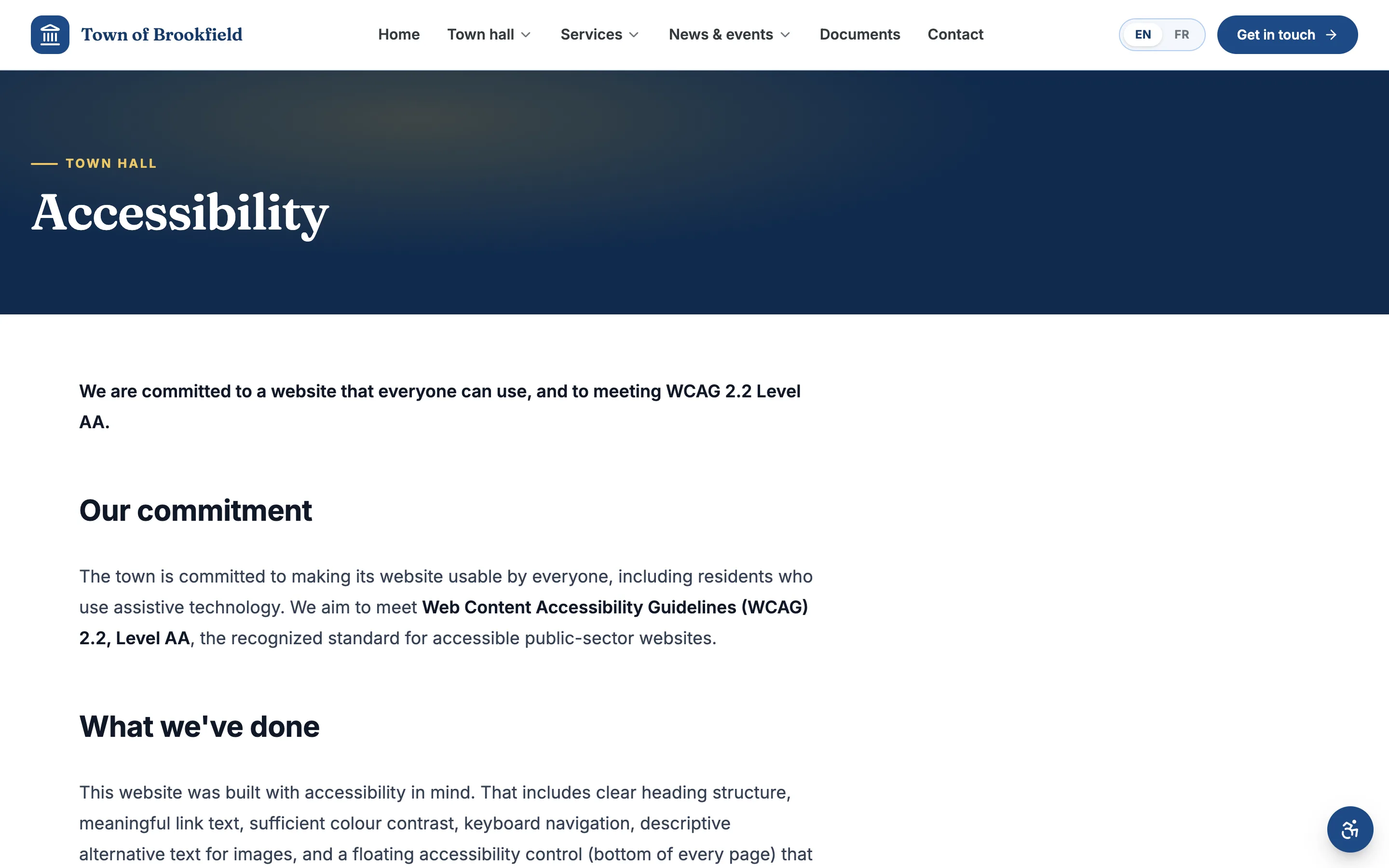
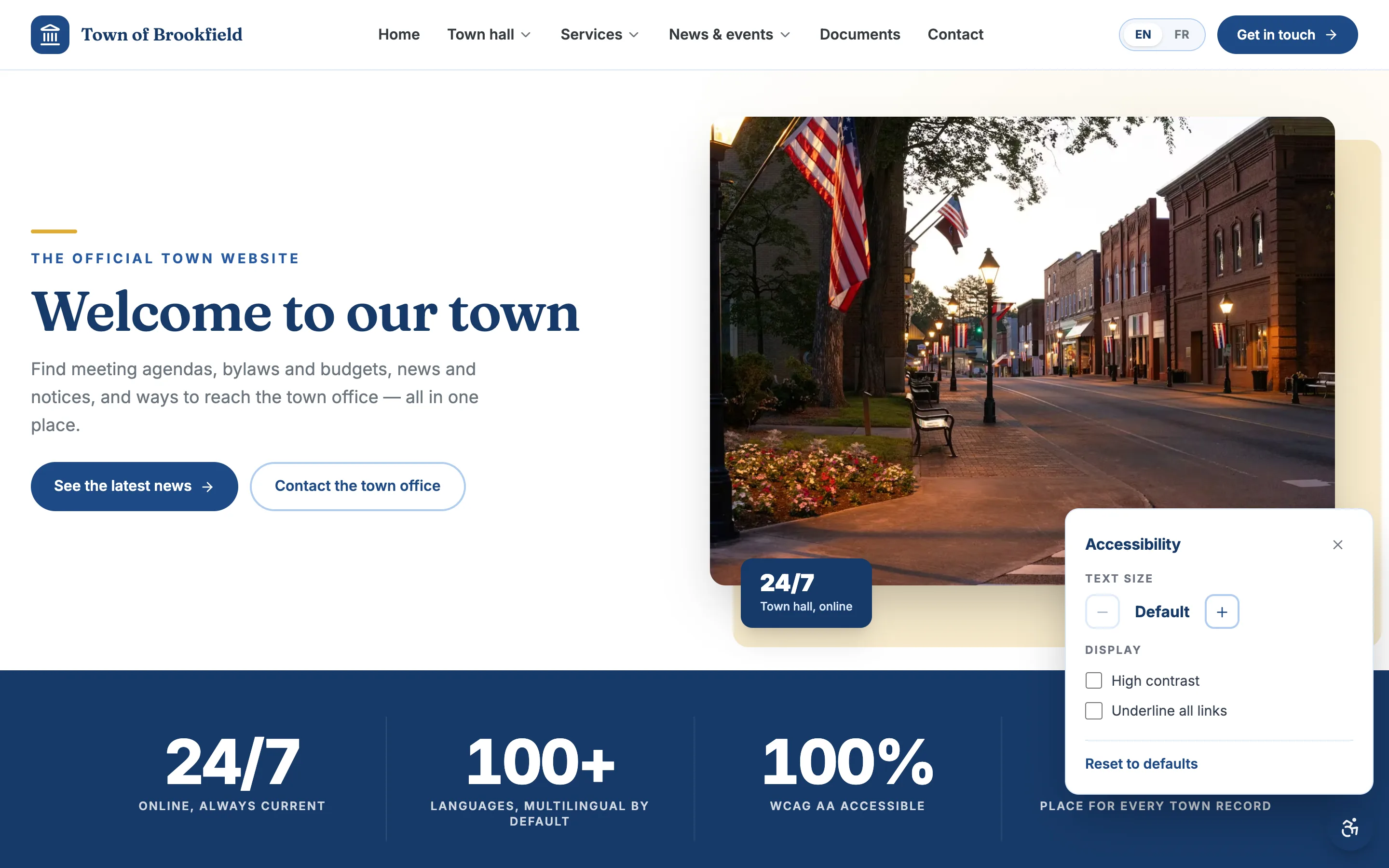
MunicipalSite builds accessible templates, controls, and editor guardrails around a WCAG 2.2 AA target, with automated and manual review in the delivery process. Each site also includes resident-facing reading controls and an accessibility statement. Ongoing conformance is shared work: staff content, documents, integrations, and changes must stay accessible too.
- A built-in accessibility panel — text size, contrast, reading tools
- A published accessibility statement and resident feedback path
- Automated checks plus manual review of important journeys
Every resident, in their own language
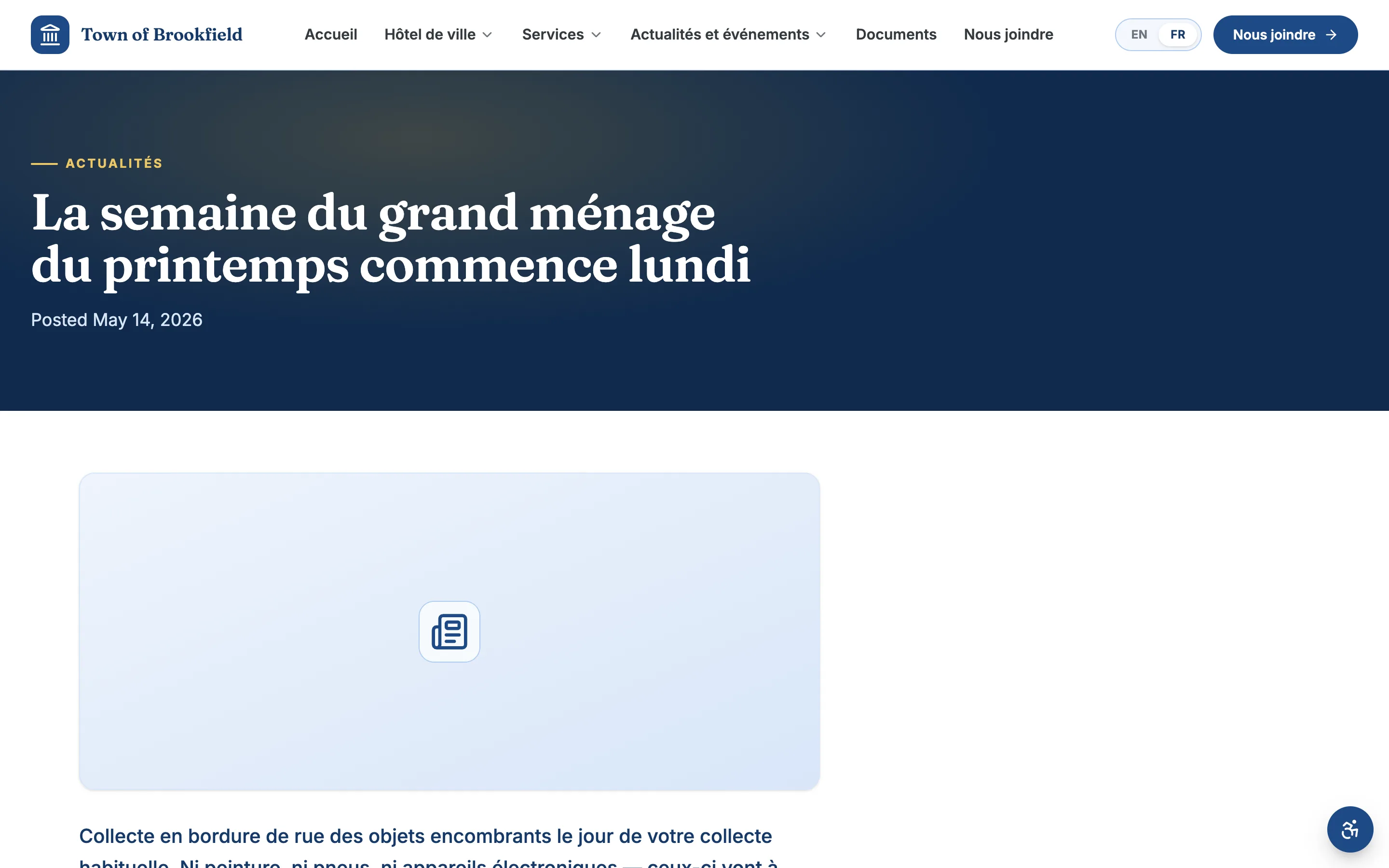
Multilingual support is built into the platform, not added on later. Every section — pages, documents, news, alerts — can be published in the languages your community speaks, so your town serves every resident in the language they read. When your town needs another language, it’s a setting, not a rebuild.
- Publish any page or notice in multiple languages
- A language toggle residents recognize
- Nothing to re-platform when a new language becomes a requirement
If someone can fill in a form, they can keep the site current
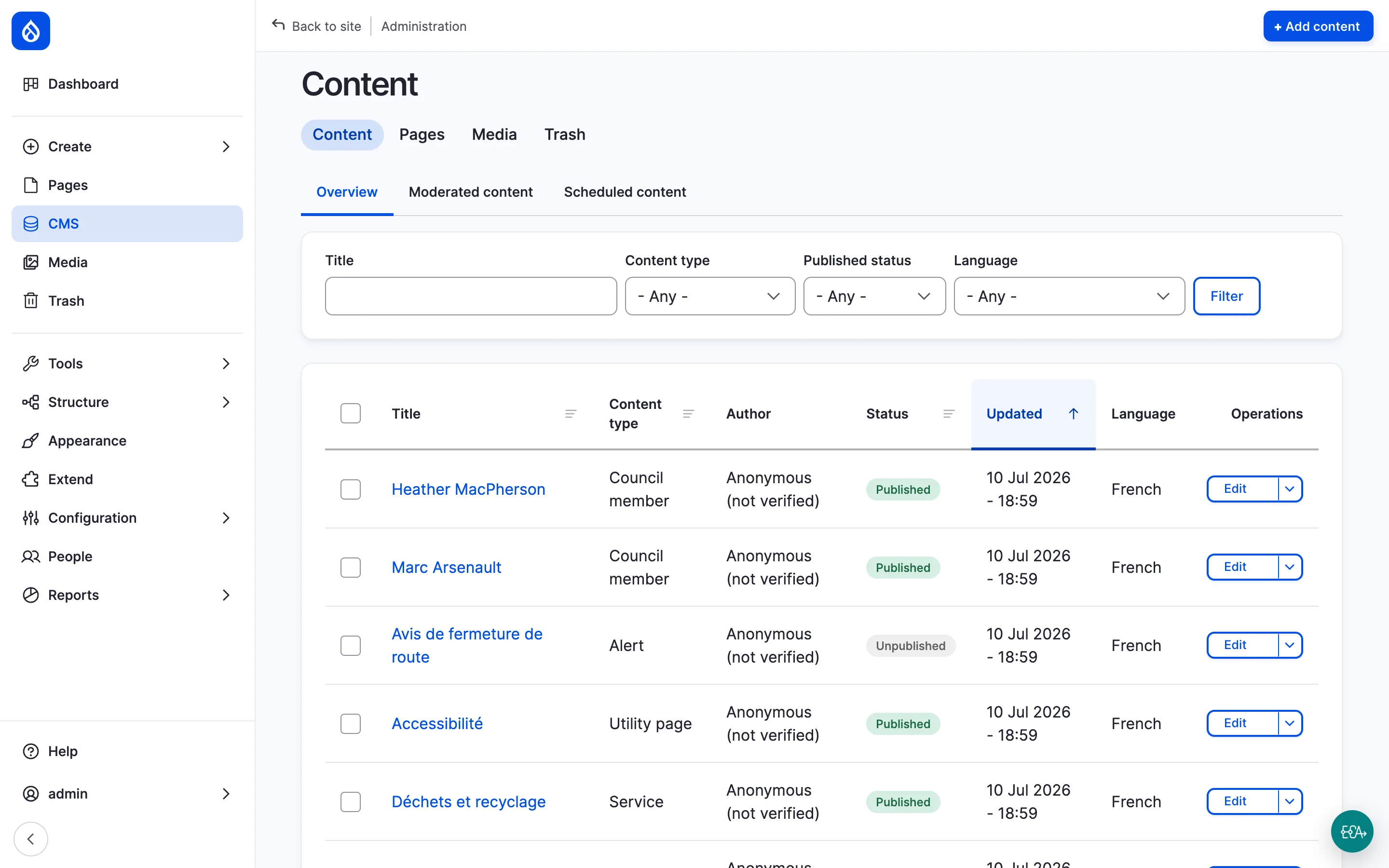
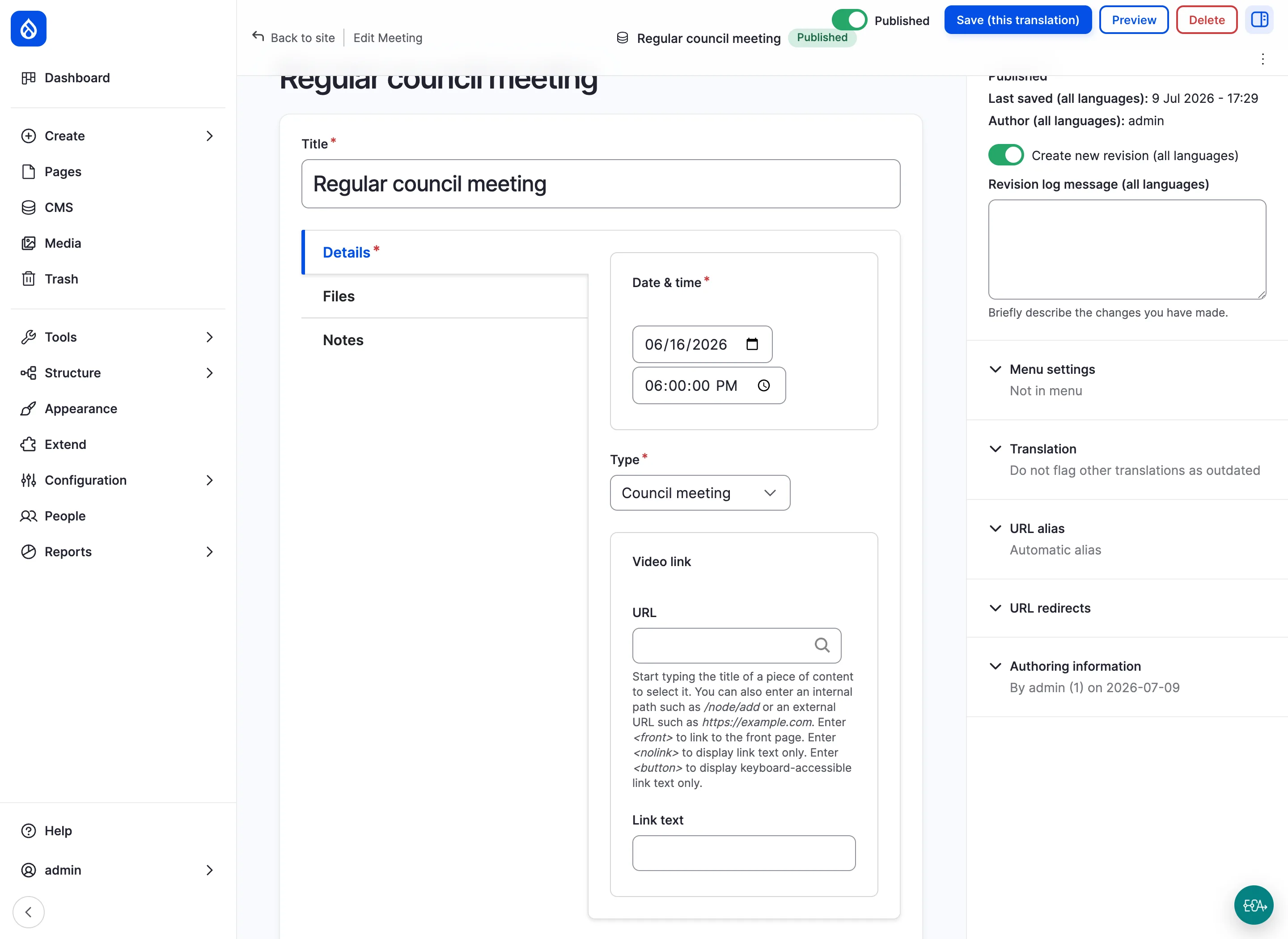
Everyday updates — a new meeting, a news post, a document upload — are simple forms your clerk fills in. Roles are scoped, so staff can update the parts they own and can’t break anything they don’t. No training courses, no code, no vendor ticket.
- Editing is filling in a form, not touching code
- Scoped roles — staff see only what they’re meant to manage
- Same-day usable after a short walkthrough
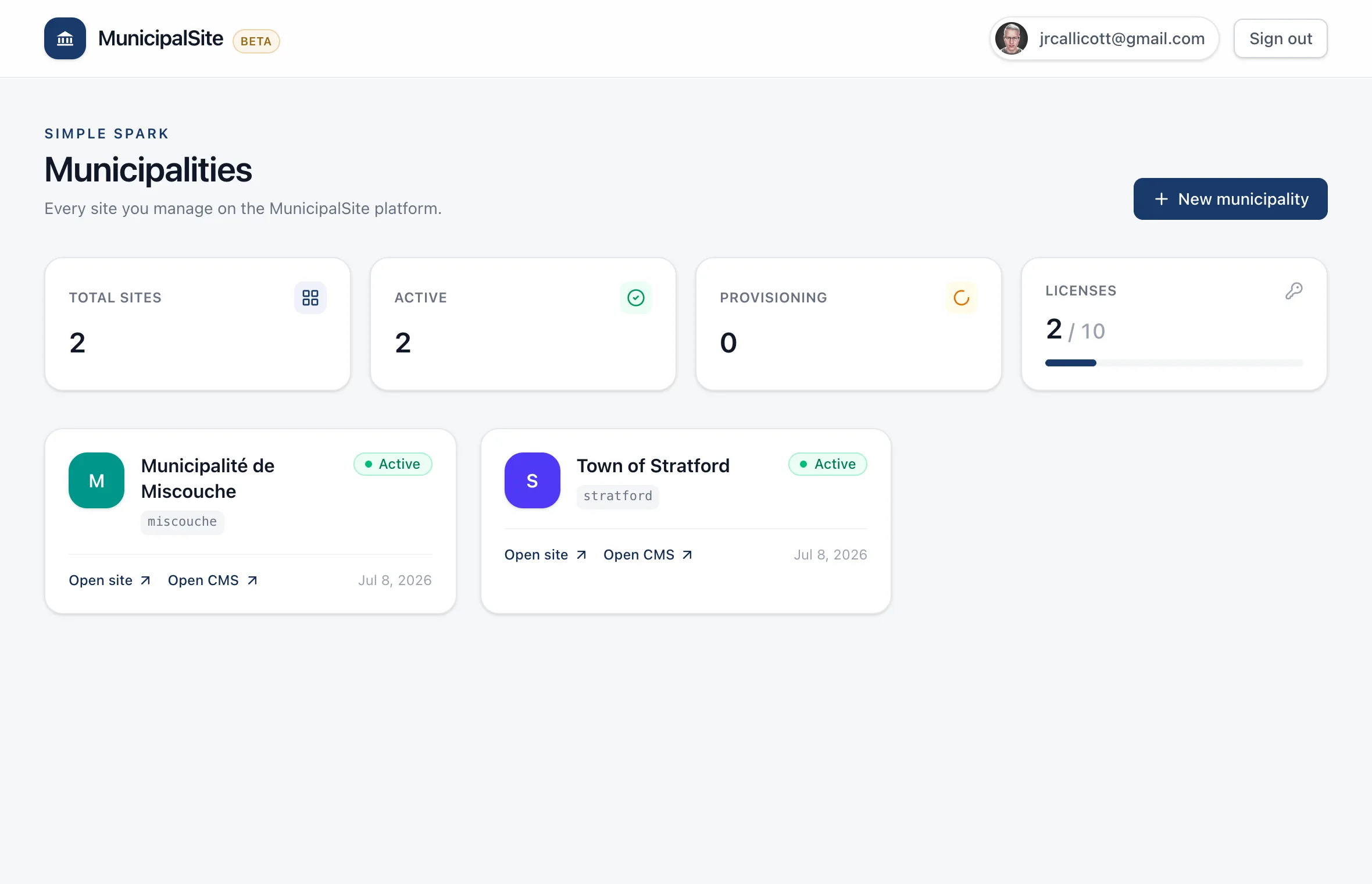
One dashboard for one site — or a hundred
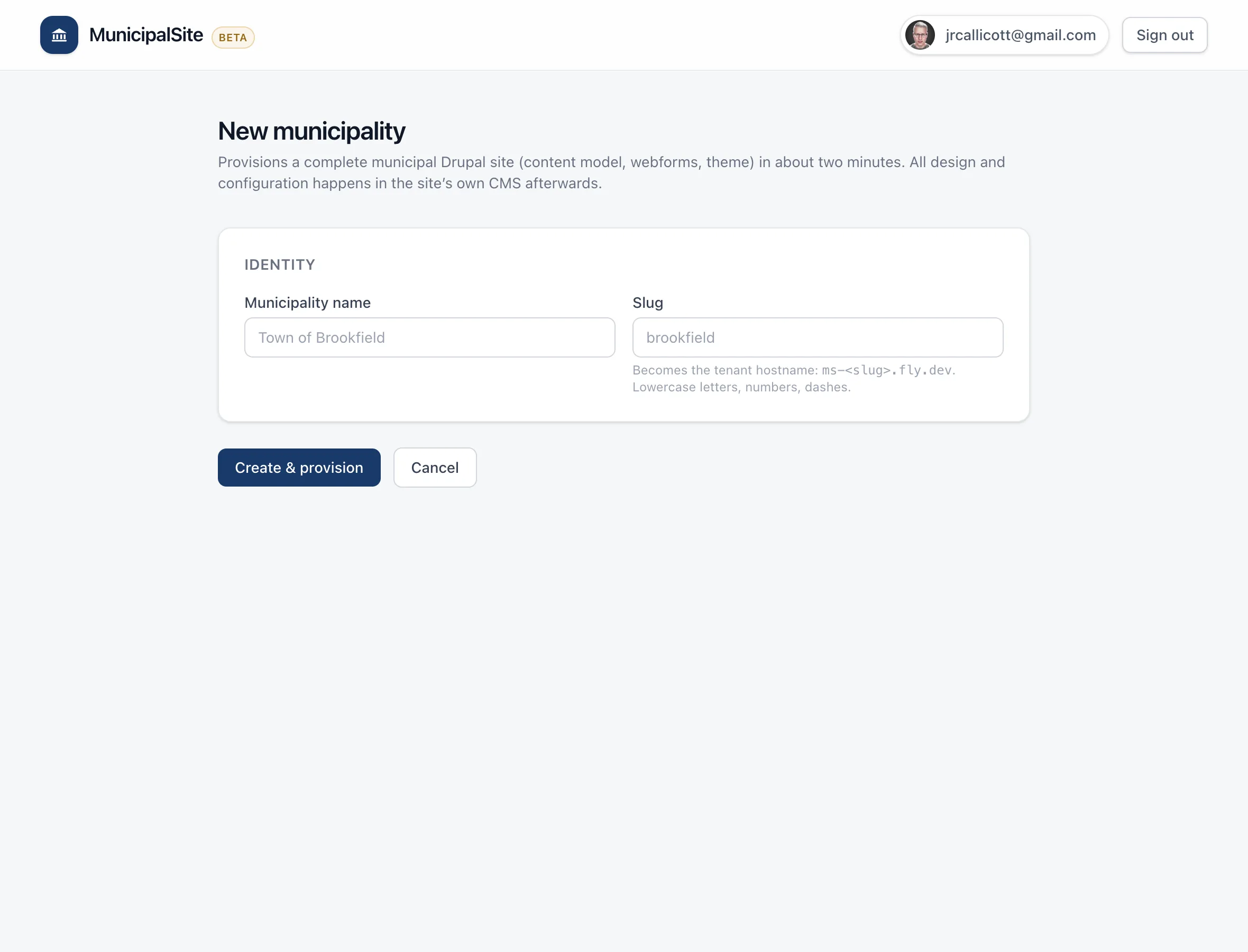
Provision a new municipality in about 90 seconds, each with its own branding, and manage them all from a single dashboard. Hosting, security patches, backups, and upgrades are handled by the platform underneath. It’s built for a town running its own site and for an agency running a whole portfolio.
- Provision, host, patch, back up, and monitor from one place
- New sites come online in ~90 seconds, fully branded
- Single-municipality or multi-tenant agency — same platform
Questions worth a straight answer
Where it matters, here’s exactly how MunicipalSite handles it — including the things we deliberately keep simple, like payments.
- Can residents pay taxes and bills through the site?
- Yes — the site sends them to paying online, but it doesn’t process the payment itself. We add clear “Pay online” buttons on the relevant pages that link straight to your existing secure payment provider (property taxes, utilities, permit fees). Your town keeps the payment processor and merchant account it already trusts; the website just makes the right link easy to find. That means no new payment fees through us, and no cardholder data ever touches the website.
- Do we have to move off our current payment processor?
- No. Because we link out rather than process payments, MunicipalSite works alongside whatever your town already uses. If you change providers later, it’s a link update — no rebuild.
- How quickly can staff change branding or content?
- Immediately. Branding (colors, fonts, logo) is a setting that goes live the moment it’s saved — no rebuild. Everyday content — a meeting, a news post, a document — is a simple form, publishable the same day.
- How are staff accounts protected?
- Every administrator and editor account carries a second factor — a one-time code from any standard authenticator app — with single-use recovery codes issued when the account is set up. It’s required rather than optional, and enforced per role, so the clerk who only posts news is protected the same way an administrator is. Each person gets their own account; nobody shares a login.
- Where is our data stored?
- In Canada. Sites are hosted in Toronto, and that covers the website itself, anything residents submit through a form, and the backups. For a Canadian municipality that’s usually a procurement requirement rather than a preference, so it’s the default rather than an upgrade.
- What happens to our content if we ever leave?
- It’s yours, and you don’t have to ask us for it. Sign in and download your whole site any time — the database, every uploaded file, and the code that runs it, including the lockfile pinning every dependency. It ships with instructions that stand the site up on any Drupal 11 host in five commands. Every line is licensed GPL-2.0-or-later, so the right to use, modify and hand it to another vendor isn’t ours to withdraw. No exit fee, no notice period.
The fastest way to understand it is to see it.
In 30 minutes we’ll walk you through a working site for a town like yours — real pages, real documents, real editing.