The quick answer
Choose the platform that lets your staff finish five real tasks without a developer, and lets you leave with your content. Test those tasks in a live demo before you compare feature lists.
- Open-source platform
- Drupal 11
- Hosting location
- Toronto
- Accessibility target
- WCAG 2.2 AA
- In a full site download
- 4 files
MunicipalSite is a managed municipal website platform run by Axelerant. See the full feature list or the 2026 roundup of platforms for small towns.
Define what you are actually buying
A municipal website is not a complete local-government management system. It can link to or integrate with tax payments, recreation registration, permitting and emergency notification without replacing them.
Write the procurement scope around the public website and the content operation behind it.
Core municipal website requirements
| Requirement | What good looks like |
|---|---|
| Resident tasks | Meetings, minutes, bylaws, alerts, events, facilities, payments and service requests each have a clear path. |
| Structured content | Staff enter dates, document types, departments and categories in fields instead of rebuilding layouts. |
| Search and archive | Current and historical information can be found by keyword, type and date. |
| Accessibility | Templates, components, content practice, testing, documents and a feedback process are all covered. See the accessibility guide. |
| Mobile use | Navigation, forms, documents and notices work on small screens and at high zoom. |
| Language support | A real publishing and review workflow, not only an automatic translation widget. |
| Ownership | You can export your content and understand domains, analytics, integrations and exit terms. |
What is the best way to launch quickly with a small team?
Pick a managed platform with opinionated defaults, then spend your time on content, not configuration. With MunicipalSite, a new municipality is created from a dashboard in about 20 minutes, with branding applied as a setting. Hosting, security patches and backups are handled for you.
Creating the site is the fast part. Migration is the long part, so ask for the dated plan described below.
How do we publish in more than one language?
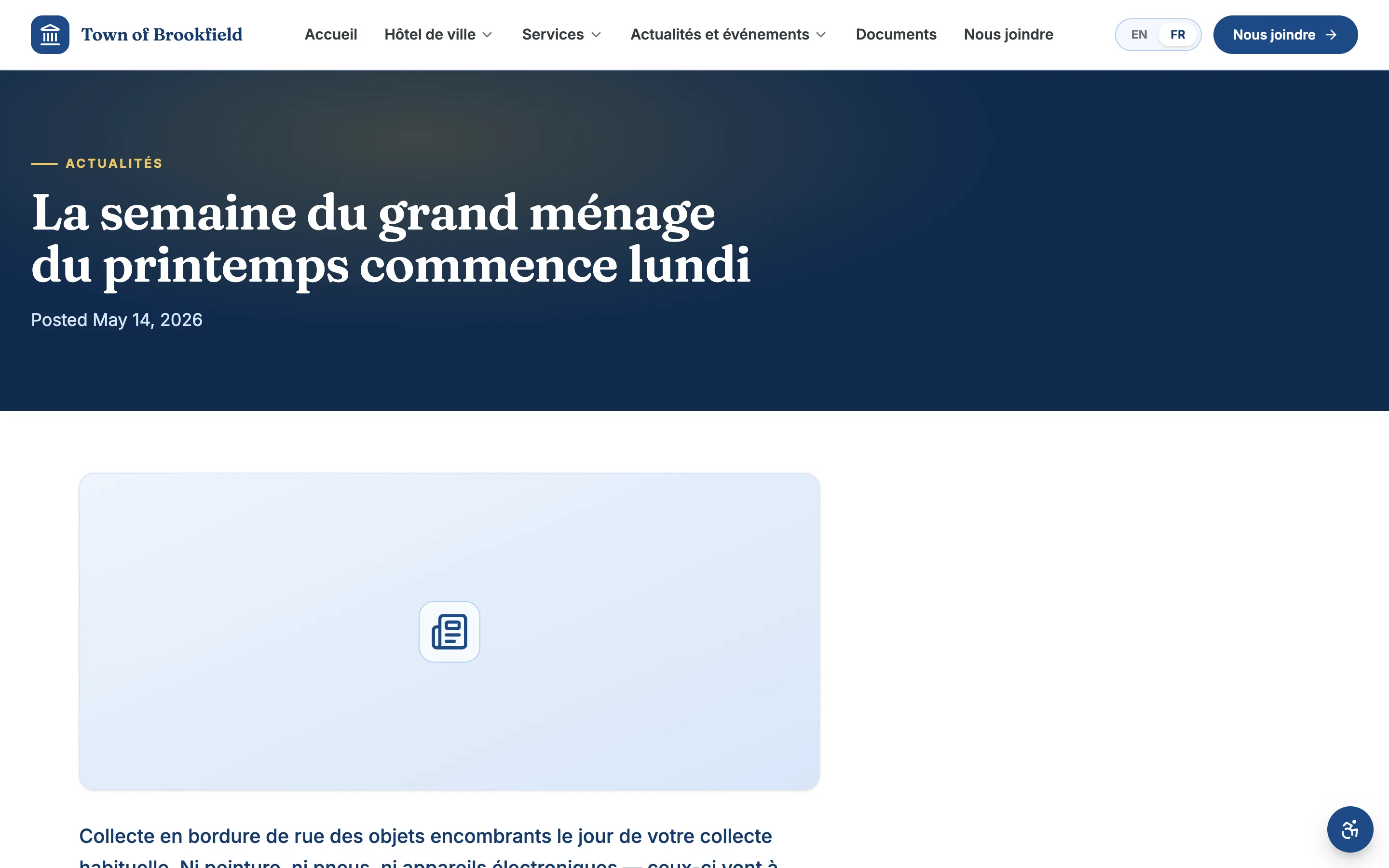
Ask for a demonstration with one of your own notices. The vendor should publish it in each language you need, show the language toggle, and show how a translator or reviewer approves the second version before it goes live.
On MunicipalSite, multilingual publishing is part of the platform, so adding a language is a setting rather than a rebuild. When we compare vendors, we note which public product pages mention translation at all. See MunicipalSite vs CivicPlus.
How do residents book halls, rinks and pavilions?
Most small towns already have a booking or recreation system. The website should send residents to it clearly, or hand off cleanly, rather than force a replacement.
Each MunicipalSite facility page lists hours, photos and details, with a Book call-to-action that starts a reservation. Ask every vendor two things: which booking system it connects to today, and whether bookings appear on your public events calendar.
Evaluate the staff workflow, not only the homepage
A polished demo can hide a complicated editing experience. Ask the vendor to run these five tasks while you watch the clicks:
- Add a council meetingCreate it with an agenda attached.
- Post an urgent alertPublish it and see where it appears.
- Replace a documentKeep the old link working.
- Correct office hoursChange them once and see every place they update.
- Publish in a second languageReview it before it goes live.
Also test roles: a clerk should be able to post news without seeing site settings. MunicipalSite requires a second factor on every administrator and editor account.
Make migration and launch part of the product
Migration is not a bulk copy. Old content needs an owner, a keep, rewrite or archive decision, a place in the new content model, and a redirect from the old URL. PDFs may need accessibility remediation or conversion to web pages.
Require a launch plan covering inventory, content decisions, redirects, analytics, accessibility review, device testing, staff training, DNS, rollback and post-launch issue handling.
Questions to ask every vendor
- Show us the five most common staff publishing tasks from start to finish.
- Which capabilities are included, optional, third-party or custom?
- What accessibility testing is automated, manual, and done with assistive technology?
- Who remediates inaccessible migrated content and documents?
- How are security patches, backups, recovery and incident communication handled?
- What can we export, in what format, and what happens at contract end?
- Which implementation work belongs to our staff?
- How are new features and platform changes communicated and tested?
Choose for organizational fit
A focused managed website can suit a small team that wants a proven municipal structure, straightforward editing and a hands-on service relationship. A larger suite may suit an organization that wants many tightly connected government applications and can support a bigger implementation.
- Read MunicipalSite vs CivicPlus and MunicipalSite vs Granicus, each dated and sourced.
- Use the government CMS guide to turn requirements into a checklist.
- For WCAG criteria, see the W3C WCAG 2.2 specification .
Frequently asked questions
What is a municipal website buyer guide?
A checklist for choosing the platform that runs a town’s public website: resident tasks, staff editing, accessibility, migration, hosting and support, and what happens to your content if you leave.
How long does it take to launch a municipal website?
Creating a new MunicipalSite site takes about 20 minutes on production hosting. The real timeline depends on migrating and reviewing your existing content, so ask any vendor for a dated plan that covers content inventory, redirects, accessibility review, training and launch.
Do we need a developer on staff?
Not to publish. Staff edit through forms for common content such as meetings, news and alerts. Hosting, security updates and backups are handled by the managed service rather than by your staff.
Can residents book halls and rinks online?
MunicipalSite gives each facility its own page with hours, photos and a Book call-to-action that starts a reservation. If you need bookings to sync with a specific calendar or recreation system, tell us which one and we will scope that integration with you.
Can we run the site in more than one language?
Yes. Pages, documents, news and alerts can be published in any language your residents need, with a language toggle for residents. Ask every vendor to demonstrate their translation and review workflow with your own content.
Can we take our website with us if we switch vendors?
With MunicipalSite you can download the database, uploaded files and code at any time, with instructions to run it on any Drupal 11 host. Ask every vendor what you receive when a contract ends.